
Ave Keyboard
Ave Keyboard is a project of keyboard layouts for languages that lack full support in mainstream operating systems, including Crimean Tatar and Belarusian Latin. The project brings together layouts for Windows, macOS, and Linux, along with accompanying materials: a website, a Windows installer, and technical documentation for the project's open-source components.
Crimean Tatar Latin — every letter, no key combinations required
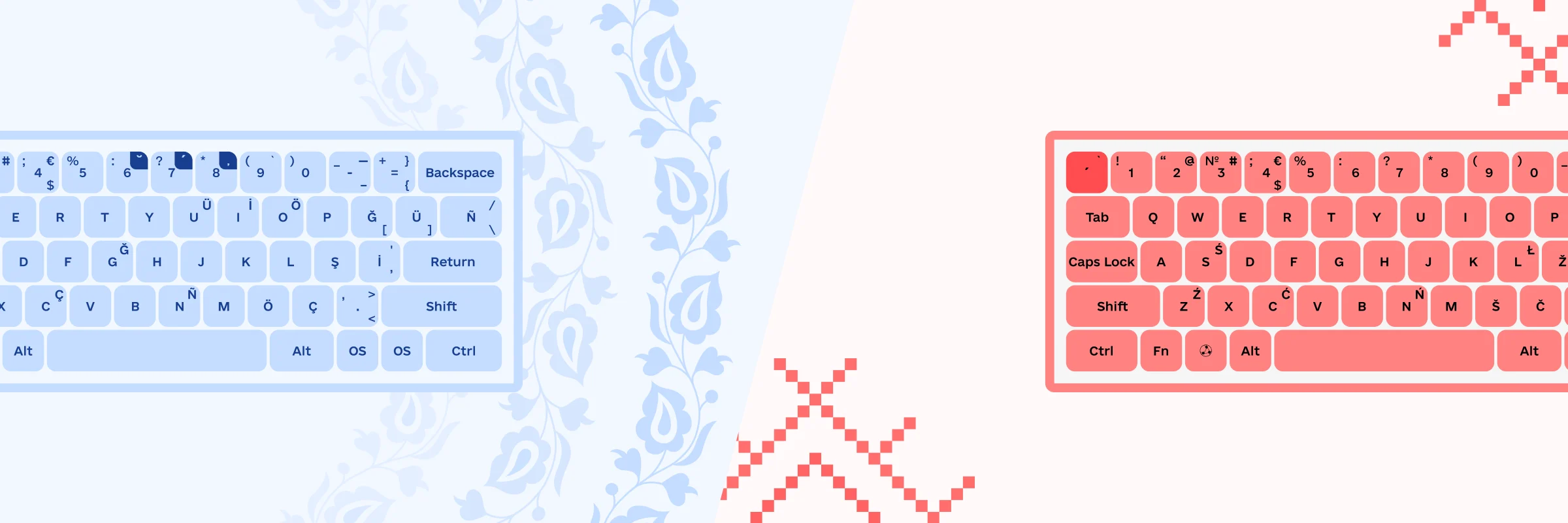
The keyboard layout for Crimean Tatar Latin combines the familiar letter placement of the QWERTY standard with the punctuation layout Ukrainian users are used to. Each letter has its own key, though characters with diacritic can optionally still be entered using a combination with the corresponding non-diacritic letter.
Characters from three languages — Ukrainian, Crimean Tatar, and English — can be engraved, printed, or applied as stickers on the same keys at once, without overloading any single key (one to four characters per key). The layout also includes the letters X and W, absent from Crimean Tatar, making it easier to type links, emails, and social media tags without disrupting users' existing muscle memory.
This makes typing Crimean Tatar text simpler, faster, and more accessible for everyone — from beginners to experienced users.
Crimean Tatar Latin keyboard layout on the project website
keyboard.aveteam.org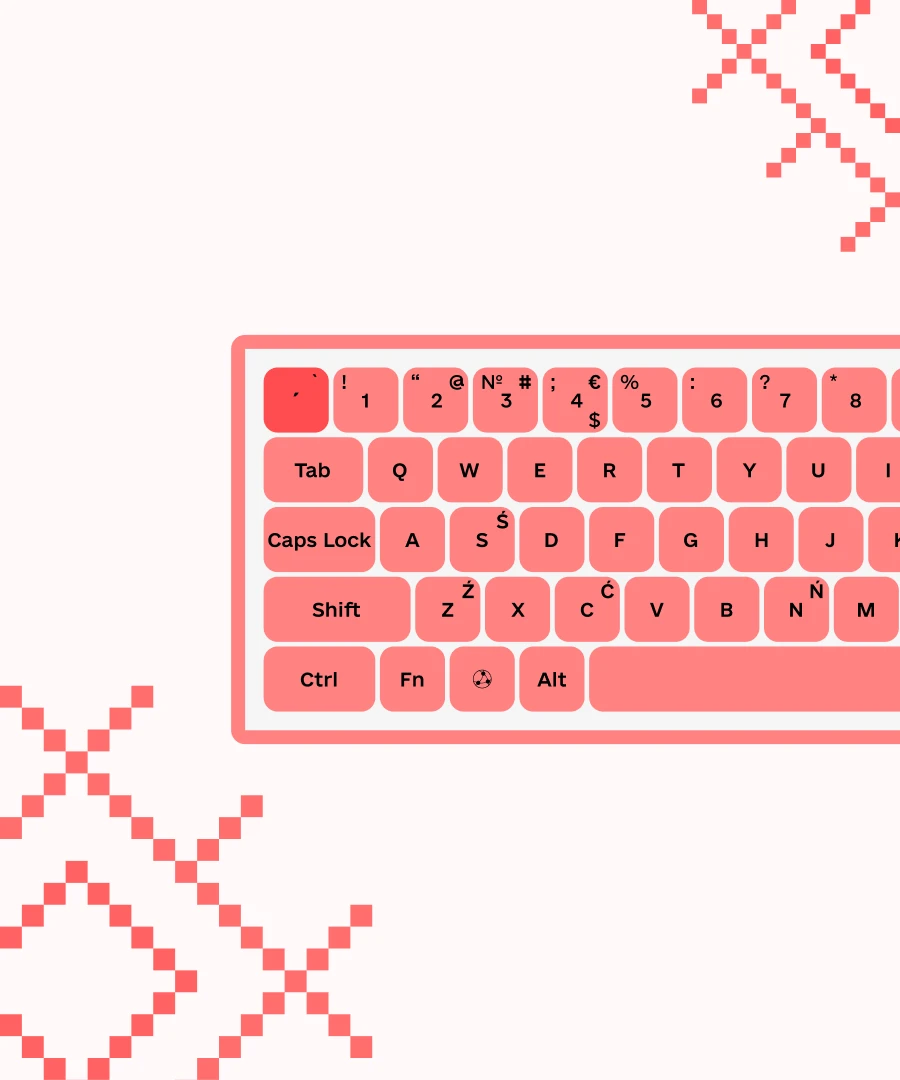
Belarusian Latin — flexibility between the traditional and official standards
The keyboard layout for Belarusian Latin is built on the familiar QWERTY standard, with X, W, and Q placed in their usual spots, making the layout easier to use online.
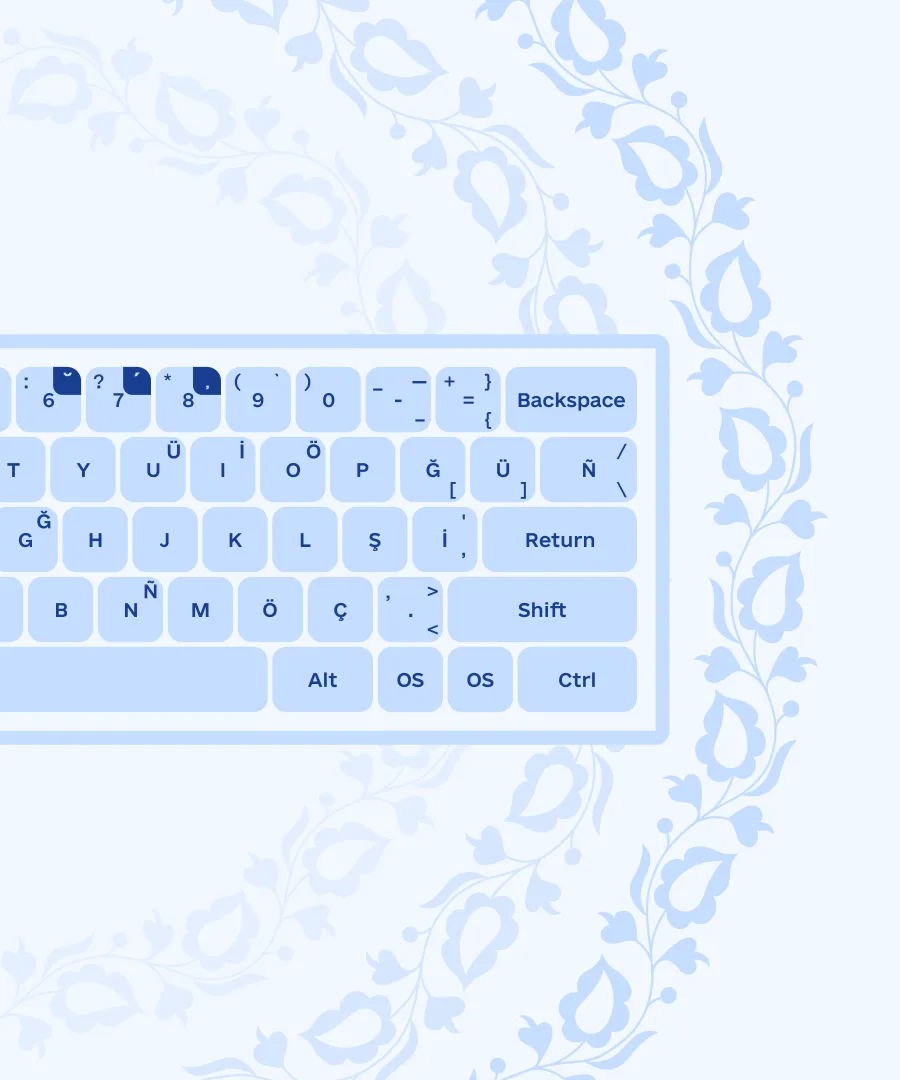
Users can choose which variant of Belarusian Latin to follow: the layout supports both the traditional spelling with Łł combined with soft Ll, and the official one, using hard Ll paired with the soft variant Ĺĺ.
A dedicated acute-accent key handles softened letters, letting you enter the needed characters by pressing the acute followed by the hard version of the letter, though the same result can also be achieved with a key combination using the corresponding letter, if preferred.
For Apple computers, the layout is available in two punctuation arrangements: one mirrors the Windows/Linux Cyrillic layout, the other the macOS Cyrillic layout.

Belarusian Latin keyboard layout on the project website
keyboard.aveteam.org